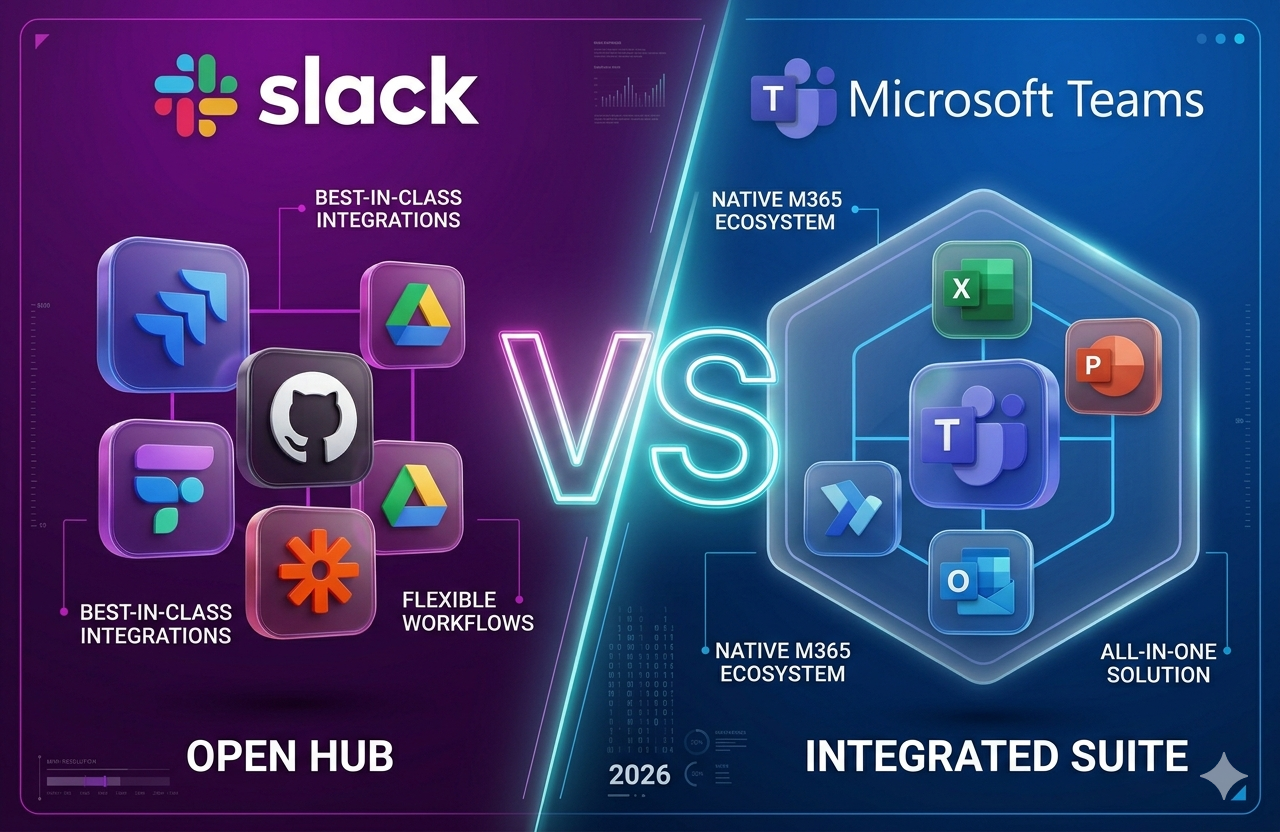
Slack vs Teams: 8 Key Differences for Team Collaboration in 2026
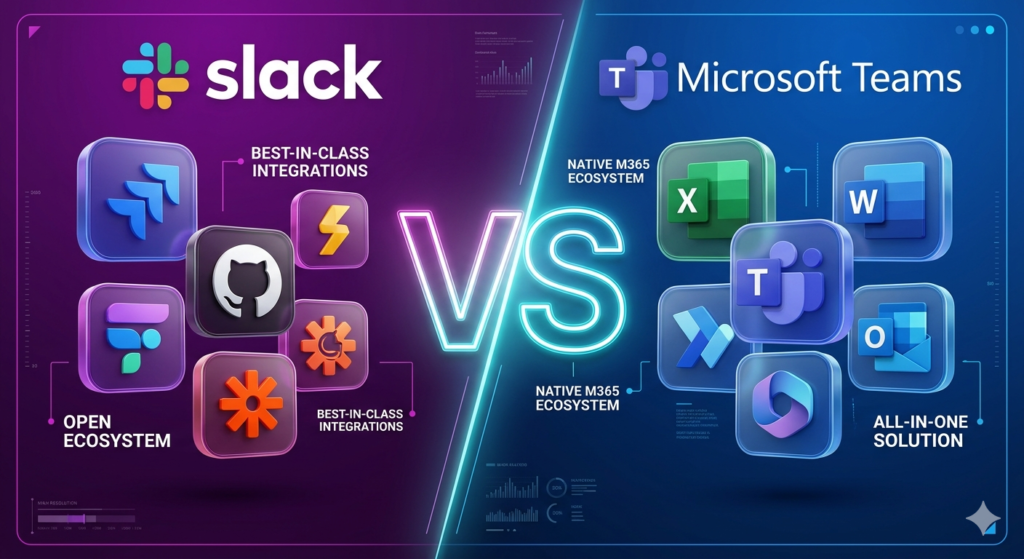
Slack and Microsoft Teams are the 2 most widely adopted business collaboration platforms, used by over 367 million daily active users across startups, creative agencies, and global enterprises. For a broader view of how AI-powered tools compare across categories, visit aicomparison.ai. Slack, owned by Salesforce, leads in async messaging flexibility, 2,600+ third-party integrations including Jira, GitHub, and Zapier, and developer ecosystem depth. Microsoft Teams, developed by Microsoft Corporation, leads in enterprise video conferencing, Microsoft 365 ecosystem integration, and compliance coverage for regulated industries such as healthcare, finance, and government.
The 8 key differences between Slack and Microsoft Teams span features, pricing from $4 per user per month, AI capabilities through Slack AI and Microsoft Copilot, security standards including SOC 2 Type II and HIPAA, and remote work fit for async and hybrid organizations.
What is Slack?
Slack is a cloud-based team messaging platform developed by Salesforce, designed for real-time and asynchronous communication through organized channels, Huddles, and over 2,600 third-party integrations, including Jira, GitHub, Salesforce CRM, and Zapier.
Slack launched in 2013 and was acquired by Salesforce in 2021 for $27.7 billion. According to DemandSage, Slack serves 47.2 million daily active users in 2026, with a 52% market share among organizations with fewer than 500 employees.
In 2026, Slack positions itself as an Agentic Work OS a system that orchestrates AI agents and automated workflows across an organization’s entire technology stack. Slack’s Agentforce integration enables teams to execute Salesforce CRM updates, GitHub pull requests, and Jira tickets without switching applications.
Slack organizes communication through 4 core features: topic-based channels for persistent searchable discussions, Huddles for lightweight audio and video calls with up to 50 participants, Canvas for persistent documents embedded within channels, and Slack Connect for secure cross-organization shared channels with external partners.
According to Slack’s platform data, over 750,000 custom bots have been deployed worldwide, demonstrating the scale of Slack’s developer community and API accessibility.
What is Microsoft Teams?
Microsoft Teams is an enterprise collaboration platform developed by Microsoft Corporation, integrating chat, video conferencing, and file collaboration through SharePoint, OneDrive, and Outlook within the Microsoft 365 ecosystem.
Microsoft launched Teams in 2017 as a direct competitor to Slack. According to Microsoft’s 2024 earnings disclosure, Teams reached 320 million daily active users, making it the largest collaboration platform by user volume globally. Teams is present in over 90% of Fortune 500 companies.
Microsoft Teams operates on a hierarchical architecture of Teams representing departments and Channels representing specific workstreams within those departments. Every Team created automatically provisions a SharePoint site for file storage and a synchronized Outlook calendar, ensuring seamless document and scheduling workflows.
Microsoft Teams distinguishes itself in 2026 through enterprise-grade video conferencing scale, supporting up to 1,000 interactive participants in standard meetings and up to 100,000 view-only participants in Town Hall broadcasts via Attendee Capacity Packs. Microsoft Copilot integration enables AI-driven workflows across Word, Excel, PowerPoint, SharePoint, and Outlook.
According to DemandSage, Microsoft Teams projects over $8 billion in annual revenue in 2025 and serves 10.6% of its user base in education and 9.6% in healthcare, making it the dominant collaboration platform in regulated industries.
Slack vs Teams: 8 Key Feature Differences
Slack and Microsoft Teams differ across 8 core feature categories: messaging structure, video meetings, file storage, app integrations, AI capabilities, automation tools, external collaboration, and security architecture.
| Feature | Slack | Microsoft Teams |
| Primary architecture | Flat, open channels async-first design | Hierarchical Teams and Channels sync-first |
| Messaging UX | Fast threading, searchable, intuitive | Structured post and thread toggle in 2026 |
| Video and meetings | Huddles, up to 50 participants | Meetings (1,000 participants) and Town Hall (100,000) |
| File storage | 5 GB free, up to 20 GB on paid plans | 1 TB per user via OneDrive and SharePoint |
| App integrations | 2,600+ third-party applications | 1,400+ applications, Microsoft-centric |
| AI capability | Slack AI and Agentforce agent orchestration | Microsoft Copilot across Microsoft 365 |
| Automation | Workflow Builder, Zapier, n8n | Power Automate and Power Apps |
| External collaboration | Slack Connect seamless cross-org shared channels | Microsoft Entra B2B guest access |
How do Slack and Teams handle messaging and channels?
Slack organizes team communication through open, topic-based channels that deliver cross-functional transparency, persistent message history, and full-text search across all conversations and files making Slack the preferred tool for distributed teams across time zones.
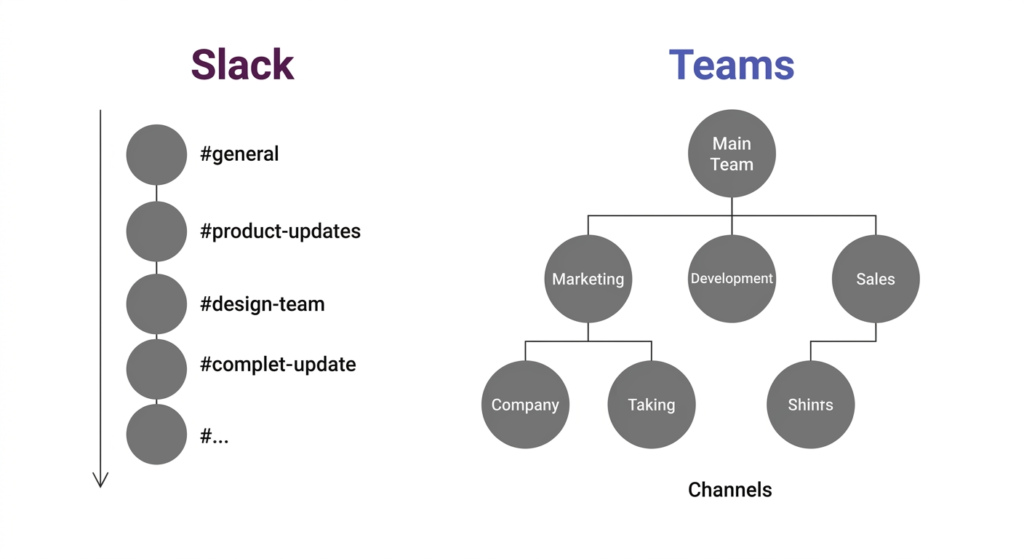
Slack channels support Canvas documents pinned directly within the channel sidebar. In 2026, Slack introduced the ability to co-edit Canvas briefs adjacent to live conversations, keeping project context alongside real-time communication.
Microsoft Teams uses a hierarchical structure of Teams and Channels designed to mirror large corporate org charts. The hierarchical Teams and Channels structure provides excellent IT governance and departmental segmentation. Teams in 2026 allows users to toggle between a forum-style post layout for structured announcements and a traditional thread layout for rapid chat.
A known governance challenge with Microsoft Teams is Teams sprawl, where unmanaged creation of team spaces leads to fragmented information, duplicated channels, and navigation difficulty. Organizations using Teams benefit from governance policies that restrict team creation and enforce consistent naming conventions.
Which platform offers better video meetings and calls?
Microsoft Teams supports video meetings with up to 1,000 interactive participants, breakout rooms, and live transcription in 58 languages. Together Mode and Town Hall events scale to 100,000 view-only attendees through Attendee Capacity Packs.
Teams meetings integrate natively with Outlook for one-click scheduling. Microsoft Copilot generates automated post-meeting recaps with topic timelines, sentiment analysis, and tasks that sync directly to Microsoft Planner.
Slack Huddles provide lightweight, spontaneous audio and video calls launched instantly from any channel or direct message, supporting up to 50 participants with screen sharing, background music, and AI-powered notes.
Slack integrates natively with Zoom, Webex, and Google Meet for teams that require enterprise-grade video beyond Huddles. The modular approach serves organizations already using best-of-breed video tools alongside Slack for messaging.
Which platform provides more file storage, Slack or Teams?
Microsoft Teams provides 1 TB of file storage per user through OneDrive and SharePoint, with enterprise-level version history, metadata tagging, and real-time co-authoring of Word, Excel, and PowerPoint documents. Co-authoring operates without leaving the Teams application, reducing context-switching for document-heavy departments.
Every file uploaded to a Teams channel is automatically stored in a dedicated SharePoint site. SharePoint gives IT administrators full control over permissions, compliance, and document lifecycle management.
Slack offers 5 GB of storage on the free plan and up to 20 GB of native storage on paid plans. Slack integrates with Google Drive, Dropbox, Box, and OneDrive, positioning itself as a vendor-agnostic interface into whichever cloud storage an organization uses.
Slack Canvas organizes links and documents into a cohesive workspace within channels. Canvas lacks the native document co-editing capabilities of the Microsoft Office suite, making Slack a weaker choice for document-heavy departments such as finance, legal, and operations.
How do Slack and Teams compare on integrations and app ecosystem?
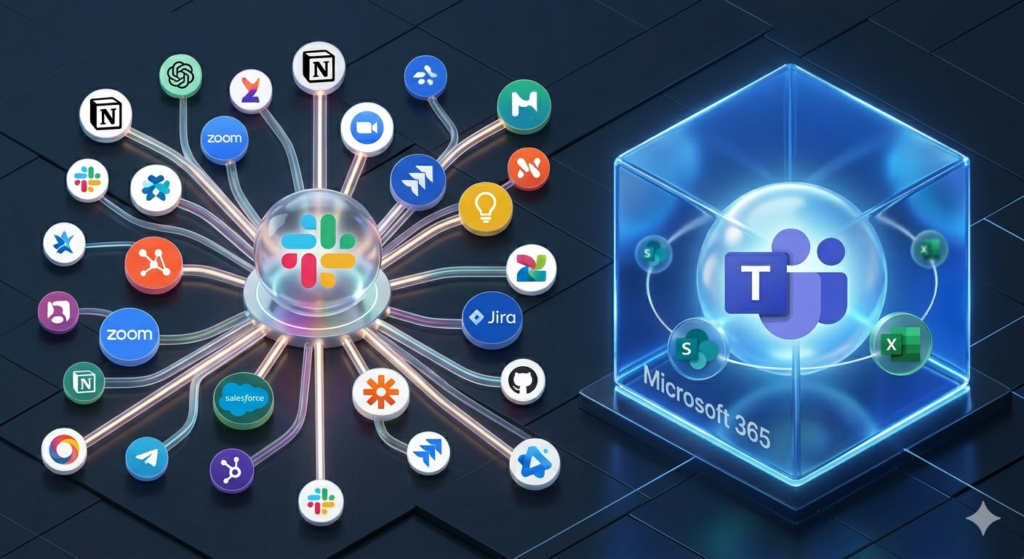
Slack connects with 2,600+ third-party applications, including Jira, GitHub, Salesforce, Zapier, n8n, Google Drive, Asana, and Trello the widest app ecosystem of any collaboration platform in 2026.
Slack’s API enables developers to build custom Slash commands and bots that trigger complex external actions directly from a chat window. Over 750,000 custom bots deployed worldwide reflect the scale of Slack’s developer ecosystem.
Microsoft Teams has grown its ecosystem to 1,400+ applications, with primary automation strength in the Microsoft Power Platform. Power Automate handles workflow automation and Power Apps enables building custom internal applications that live as tabs inside Teams.
For a detailed breakdown of automation tools for both platforms, read the full n8n vs Zapier comparison. Choosing between these 2 automation platforms is a key integration decision:
| Feature | Zapier | n8n |
| Integrations | 9,000+ pre-built SaaS connectors | 400+ native nodes plus API-first flexibility |
| Ease of use | No-code, non-developer friendly | Low-code, visual node logic, steeper learning curve |
| Execution model | Managed cloud cost scales with usage volume | Self-hosted free, or managed cloud option |
| Data privacy | Managed by Zapier infrastructure | Full data sovereignty when self-hosted |
| Pricing model | Per-task pricing expensive at high volume | Unlimited self-hosted executions at no cost |
| Best for | Marketing and sales teams, simple automation | Engineering and RevOps teams, complex high-volume workflows |
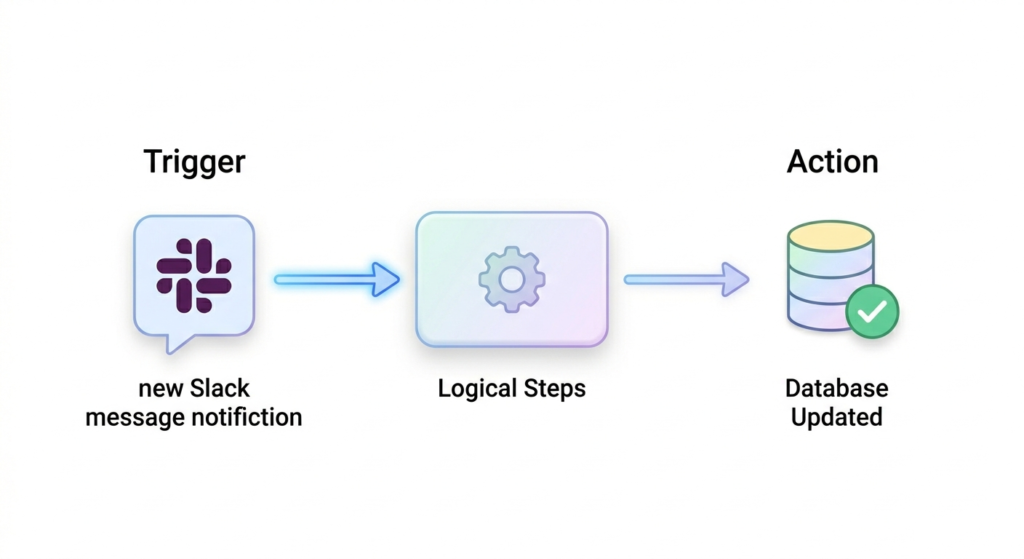
Zapier serves marketing and sales teams that need fast, simple connections between CRM tools and their collaboration platform. n8n is the preferred choice for engineering and RevOps teams in 2026 because the self-hosted model allows unlimited workflow executions without per-task pricing. Per-task pricing makes Zapier prohibitively expensive at high automation volume. For teams evaluating other automation platforms, n8n alternatives covers 6 additional tools including Make, Pipedream, and Activepieces.
Slack vs Teams: Pricing Comparison
Slack and Microsoft Teams each offer 5 pricing tiers, with Slack’s Pro plan starting at $7.25 per user per month and Microsoft Teams Essentials starting at $4.00 per user per month.
| Plan tier | Slack (per user per month) | Microsoft Teams (per user per month) |
| Free | 90-day message history, 10 integrations, 5 GB storage | 60-min meetings, 100 participants, 5 GB storage |
| Entry | Pro: $7.25 to $8.75 unlimited history | Essentials: $4.00 —30-hour meetings, 10 GB storage |
| Mid | Business+: $12.50 to $15.00 — SSO and compliance tools | Microsoft 365 Business Basic: $6.00 — 1 TB storage |
| Standard | Enterprise Grid: custom pricing | Microsoft 365 Business Standard: $12.50 |
| Enterprise | Enterprise+: custom pricing | E3: $36.00 / E5: $57.00 per user per month |
For a team of 100 users, Slack Pro costs approximately $875 per month. The same team on Microsoft 365 Business Basic which includes email hosting, 1 TB of storage per user, and the full Teams suite costs approximately $600 per month. According to Shyft’s 2026 pricing analysis, this $3,300 annual gap is the primary driver pushing cost-sensitive organizations toward the Microsoft ecosystem.
Slack’s Fair Billing Policy automatically stops charging for inactive users, benefiting organizations with high turnover or seasonal staff. Microsoft Teams does not currently offer equivalent inactive-user billing adjustments.
Teams provides the strongest cost advantage for organizations already paying for Microsoft 365. For those organizations, Teams is effectively included in existing software spend, making the $7.25 to $15.00 per user monthly cost of Slack a clear incremental expense.
Slack vs Teams: Security and Compliance

Slack and Microsoft Teams both meet enterprise-grade security standards, including SOC 2 Type II, ISO 27001, HIPAA, and GDPR compliance. Microsoft Teams additionally provides Information Barriers via Microsoft Purview and native Customer Key encryption management.
| Standard | Slack | Microsoft Teams |
| SOC 2 Type II | Certified | Certified |
| ISO 27001 | Compliant | Compliant |
| HIPAA | Business+ plan and above | All paid tiers |
| GDPR | Compliant | Compliant |
| Identity management | SSO, MFA, session monitoring | Microsoft Entra ID, Conditional Access policies |
| Encryption keys | Enterprise Key Management (EKM) add-on | Native Customer Key via Microsoft 365 |
| Data residency | Enterprise Grid global options | Microsoft Purview granular regional control |
| Information barriers | Not available | Available via Microsoft Purview |
Microsoft Purview Information Barriers prevent communication between sensitive organizational groups such as an investment banking division and a research division fulfilling strict regulatory requirements without additional software. IT administrators configure these barriers within the Microsoft 365 security framework.
Microsoft Entra ID and Conditional Access policies automatically block Teams access when a user’s device does not meet specific security health requirements. Device-level security governance makes Teams the default choice in healthcare, government, and financial services.
Slack’s Enterprise Key Management (EKM) allows organizations on the Enterprise Grid plan to maintain full control over their own encryption keys. EKM is a complex and costly add-on but provides the highest level of data sovereignty available on the Slack platform.
Slack Connect eliminates insecure guest accounts for external collaboration by creating encrypted shared channels between organizations. Slack Connect reduces shadow IT risk and provides a more seamless external partner experience than Microsoft Teams’ Entra B2B guest access configuration process.
Slack vs Teams: AI Features Comparison
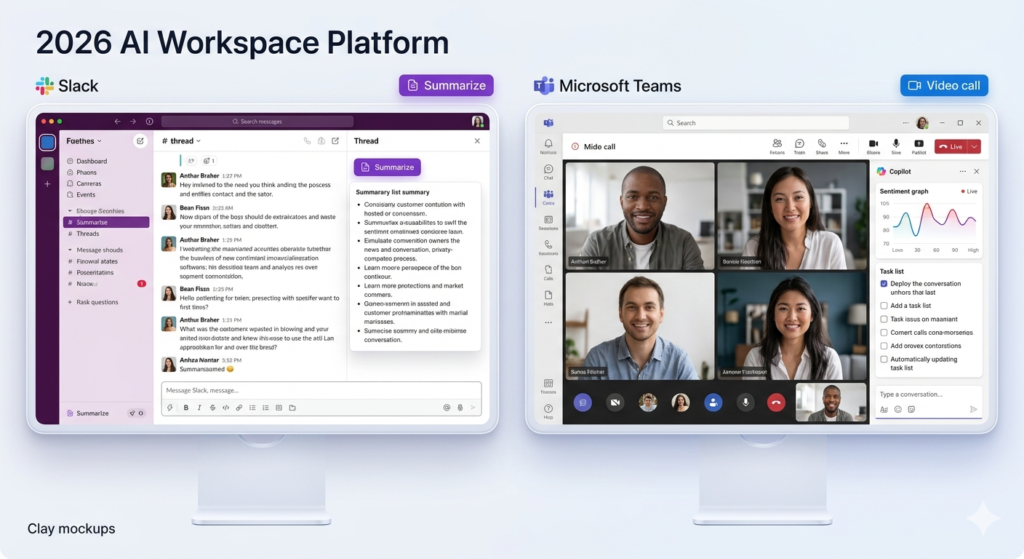
Slack AI summarizes messages, searches conversations, and generates daily recaps for async teams. Microsoft Copilot orchestrates AI across Teams, Word, Excel, SharePoint, and Outlook for document-heavy enterprises. Both represent the 2 most significant AI integrations in enterprise collaboration in 2026.
| AI feature | Slack AI | Microsoft Copilot in Teams |
| Channel summaries | One-click channel and thread recaps | Meeting recaps with topic timeline and sentiment analysis |
| Search intelligence | Natural language search across messages and files | Cross-app queries spanning SharePoint and Word |
| Daily digest | Personalized morning recap of key discussions | Automated follow-up tasks synced to Microsoft Planner |
| Real-time assistance | Slackbot drafts messages and translates content | Live meeting Q&A without interrupting conversation flow |
| Automation | Agentforce agent orchestration within Slack | Power Automate cross-app workflows |
| Availability | Pro plan and above — no extra licensing fee | Requires Microsoft 365 Copilot add-on at $30 per user per month |
What does Slack AI do?
Slack AI provides channel summaries, thread recaps, and natural language search, enabling teams to retrieve critical decisions and action items without scrolling through extensive message history.
Slack AI generates daily personalized recaps every morning, highlighting the most important discussions from the previous 24 hours across all joined channels. Teams ask natural language questions such as what was the final decision on the project deadline, and Slack AI searches all conversations and files to return a cited answer.
Slackbot has evolved in 2026 into a personal AI agent that drafts messages, explains internal terminology, and translates communications in real-time. Agentforce integration extends Slack beyond messaging into full AI agent orchestration, allowing teams to trigger Salesforce CRM actions, approve workflows, and manage customer records directly from Slack channels.
What does Microsoft Copilot do in Teams?
Microsoft Copilot integrates across Teams, Word, Excel, PowerPoint, SharePoint, and Outlook, generating meeting summaries with topic timelines, sentiment analysis, and tasks that sync automatically to Microsoft Planner.
During live meetings, users ask Copilot questions such as what has this participant said about the budget. Copilot answers by pulling data from the meeting transcript in real-time without interrupting conversation flow.
Copilot’s cross-app intelligence allows users during a Teams chat to request a summary of a Word document shared in the channel and receive an AI-generated answer drawn from SharePoint and Word without switching applications.
Microsoft Copilot requires a Microsoft 365 Copilot add-on license at $30 per user per month, in addition to the existing Microsoft 365 subscription. Slack AI is available on the Pro plan and above without additional licensing, providing a lower barrier to AI adoption. For a deeper breakdown of Copilot’s capabilities against competing AI assistants, read the full Microsoft Copilot vs ChatGPT comparison.
Organizations evaluating AI assistants across Google’s ecosystem can also review the Gemini vs Microsoft Copilot comparison to determine which AI tool delivers the strongest return within their software stack.
Slack vs Teams: Remote Work and Collaboration Efficiency
Slack delivers stronger async communication capabilities for remote teams, supporting distributed workflows through Slack Connect, Huddles, and Canvas across time zones. Microsoft Teams delivers stronger synchronous meeting infrastructure for hybrid organizations.
| Scenario | Slack | Microsoft Teams |
| Time zone management | Superior async threading across time zones | Meeting-centric design risks notification fatigue |
| Spontaneous collab | Huddles — instant, informal audio and video | Formal meeting structure as default workflow |
| External partners | Slack Connect — seamless shared channels | Entra B2B — requires complex AD configuration |
| Team culture | Human-centric design, consistently high NPS scores | Professional and formal environment |
| Mobile satisfaction | 92% satisfaction rate (Shyft, 2026) | 90% satisfaction rate (Shyft, 2026) |
| Notification control | Granular keyword alerts, custom do-not-disturb schedules | More limited notification controls, heavier system |
According to Shyft’s 2026 collaboration research, 91% of remote workers report that Slack improved their ability to work from home, and 79% report improved team culture. Slack’s mobile application achieves a 92% satisfaction rate compared to Microsoft Teams’ 90% satisfaction rate.
Slack’s notification controls are significantly more granular than Teams, allowing users to set keyword-specific alerts and receive a notification only when specific terms appear such as a client name or the word urgent while muting all other channel activity.
Microsoft Teams excels in hybrid work environments that require structured meeting cadences. Together Mode reduces video call fatigue by placing participants in shared virtual environments. Breakout Rooms enable structured small-group discussions within larger meetings. Native Outlook integration makes scheduling and joining back-to-back video calls significantly faster than Slack’s meeting workflow.
Slack Connect provides the strongest external collaboration tool for organizations working frequently with vendors, clients, and partners. Shared channels in Slack Connect require no guest account configuration and maintain full security controls, reducing the friction that Microsoft Entra B2B introduces in Teams.
Slack vs Teams: Market Share and Adoption in 2026
Slack remains a dominant platform in technology, startup, and creative sectors with 47.2 million daily active users in 2026 and a 52% market share in organizations under 500 employees. Microsoft Teams leads globally with 320 million daily active users and a 37% to 41% global market share in collaboration software.
The demographic split between the 2 platforms reveals distinct cultural positioning. Slack’s user base skews younger, with 33% of users in the 25 to 34 age group. Microsoft Teams dominates the 35 to 54 age bracket, representing 61% of its user base.
Slack holds 77% to 80% presence in Fortune 100 companies, with dominance in technology startups and creative agencies. Microsoft Teams holds over 90% presence in Fortune 500 companies and has saturated healthcare (9.6% of its user base), education (10.6%), and government sectors through Microsoft enterprise agreements.
According to DemandSage, Slack projects $4.22 billion in annual revenue in 2025. Microsoft Teams projects over $8 billion. The revenue gap reflects Teams’ dominant position in large enterprise contracts, where Microsoft 365 licensing includes Teams at no incremental cost.
Alternatives to Slack and Microsoft Teams
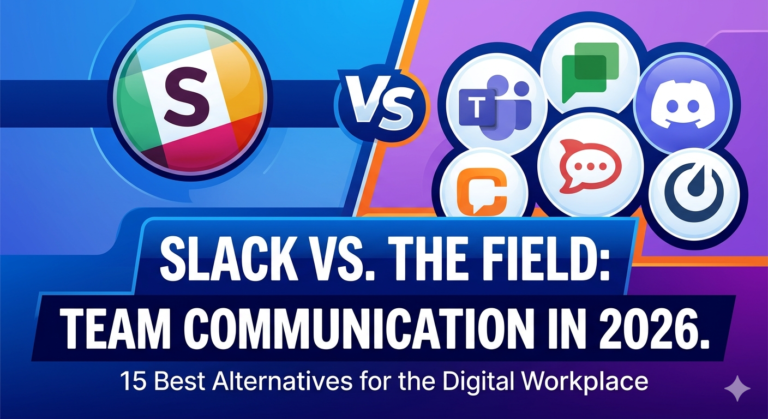
Organizations seeking alternatives to Slack and Microsoft Teams evaluate 6 collaboration platforms: Google Chat, Zoom Workplace, Discord, Webex by Cisco, Chanty, and Pumble, each serving distinct team size and use-case profiles.
| Tool | Best for | Key differentiator |
| Google Chat | Google Workspace users | Included free in Workspace — native Gmail, Drive, and Meet integration |
| Zoom Workplace | Video-first teams | Industry-leading meeting quality, up to 1,000 participants |
| Discord | Developer teams and communities | Always-on voice channels, free, community-native UX |
| Webex by Cisco | Large enterprises | High-security video, hardware integration, Cisco-grade compliance |
| Chanty | Small task-focused teams | Unlimited message history on affordable plans, simple UI |
| Pumble | Budget-conscious SMBs | Free unlimited message history direct Slack alternative |
Google Chat is the strongest alternative for organizations already using Google Workspace. Google Chat is included at no additional cost and integrates natively with Gmail, Google Drive, Google Meet, and Google Calendar.
Discord serves developer teams and open-source communities in 2026 with always-on voice channels, free unlimited message history, and a community-native interface that technology teams find more engaging than enterprise tools.
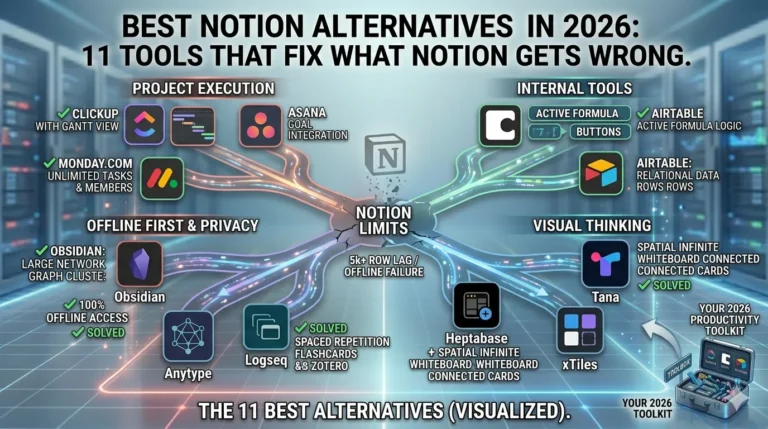
A growing pattern in 2026 pairs Slack with Notion to create a fast communication layer alongside a deep context and documentation layer. Organizations use Slack for real-time messaging and Notion for project documentation, knowledge bases, and database-driven project management. For a direct comparison of documentation tools, read Notion vs Trello. Teams evaluating other documentation platforms can also review the best Notion alternatives to find the right knowledge management tool for their workflow.
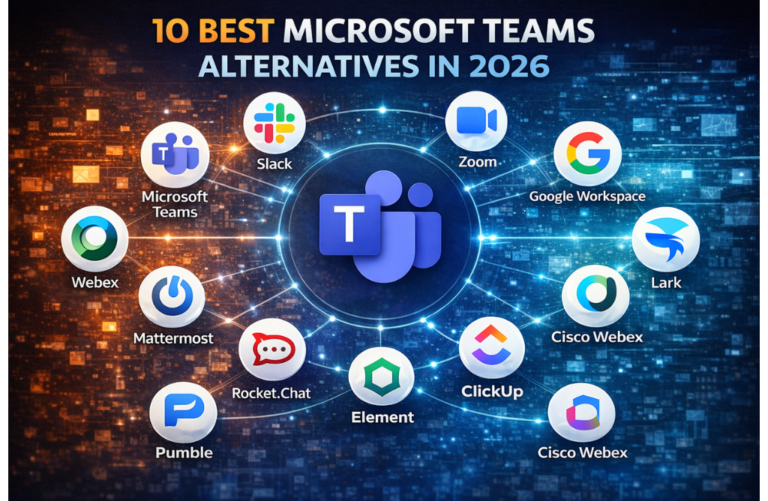
Organizations on Microsoft Teams evaluating AI assistant options beyond Microsoft Copilot can review Microsoft Copilot alternatives for a comparison of 6 AI productivity tools that integrate with enterprise collaboration platforms.
Slack vs Teams: The Right Choice for Your Organization
The right collaboration platform depends on team size, existing software ecosystem, communication style, and compliance requirements.
| Choose Slack if… | Choose Microsoft Teams if… |
| Your organization runs Google Workspace, Salesforce, Jira, or GitHub as core tools | Your organization already pays for Microsoft 365 |
| Your team prioritizes async communication and messaging speed over meetings | Your workflow centers on video conferencing and document co-authoring |
| Your stack requires 2,600+ third-party app integrations | Your meetings scale to Town Hall events for up to 100,000 participants |
| Your organization collaborates with 5 or more external partner organizations | Your compliance requirements include ISO 27001 and advanced enterprise governance |
| Your team operates as a startup, creative agency, or developer-first organization | Your industry operates in healthcare, government, finance, or education |
| Your team engagement and communication speed are primary productivity KPIs | Your IT department requires centralized governance and the Microsoft security stack |
Microsoft 365 organizations gain the strongest return from Teams. Bundled pricing, native document co-editing, enterprise video conferencing, and Microsoft Copilot integration create a self-contained collaboration system that requires no additional per-user software spend.
Organizations running on diverse SaaS stacks including Google Workspace, Salesforce, Jira, and GitHub gain the strongest return from Slack. Slack’s 2,600+ integrations, async-first design, Slack Connect for external partners, and Slack AI deliver measurably higher team engagement and communication speed in high-velocity environments.
Slack leads in integration flexibility, async communication design, and developer ecosystem depth. Microsoft Teams leads in enterprise video conferencing scale, Microsoft 365 ecosystem integration, and total cost efficiency for organizations already in the Microsoft environment.
People Also Ask
Is Slack better than Microsoft Teams?
Slack is better than Microsoft Teams for async-first teams, developer organizations, and companies using diverse SaaS tools. Microsoft Teams is better for enterprises already using Microsoft 365, organizations that require video conferencing at enterprise scale, and industries such as healthcare, finance, and government that require advanced compliance controls.
Is Slack owned by Microsoft?
Slack is not owned by Microsoft. Salesforce acquired Slack in 2021 for $27.7 billion. Microsoft Corporation develops Microsoft Teams as a separate competing product within the Microsoft 365 suite.
How much does Slack cost per month in 2026?
Slack Pro costs $7.25 to $8.75 per user per month on annual billing. Slack Business+ costs $12.50 to $15.00 per user per month. Slack Enterprise Grid pricing requires a custom quote from Salesforce. A free plan is available with 90-day message history and 10 integrations.
Can Slack and Microsoft Teams be integrated?
Slack and Microsoft Teams integrate through third-party automation tools including Zapier and n8n, which connect workflows between the 2 platforms. Organizations use Zapier for simple notification bridges and n8n for complex cross-platform workflow automation at high volume.
Which is better for remote work, Slack or Teams?
Slack is the stronger platform for remote-first teams that prioritize async communication. According to Shyft, 91% of remote workers report improved work-from-home capability using Slack. Microsoft Teams is the stronger platform for hybrid organizations that rely on structured video meetings, Outlook calendar integration, and corporate document workflows.
What are the best alternatives to Microsoft Teams?
The 6 strongest alternatives to Microsoft Teams include Google Chat for Google Workspace users, Zoom Workplace for video-first teams, and Discord for developer communities. Webex by Cisco serves large enterprise security requirements, Chanty serves small teams on a budget, and Pumble serves SMBs seeking free unlimited message history.